Live Your Best Life Using Your Strengths
We've all wondered who we are and what makes us unique. The CliftonStrengths assessment answers those questions.
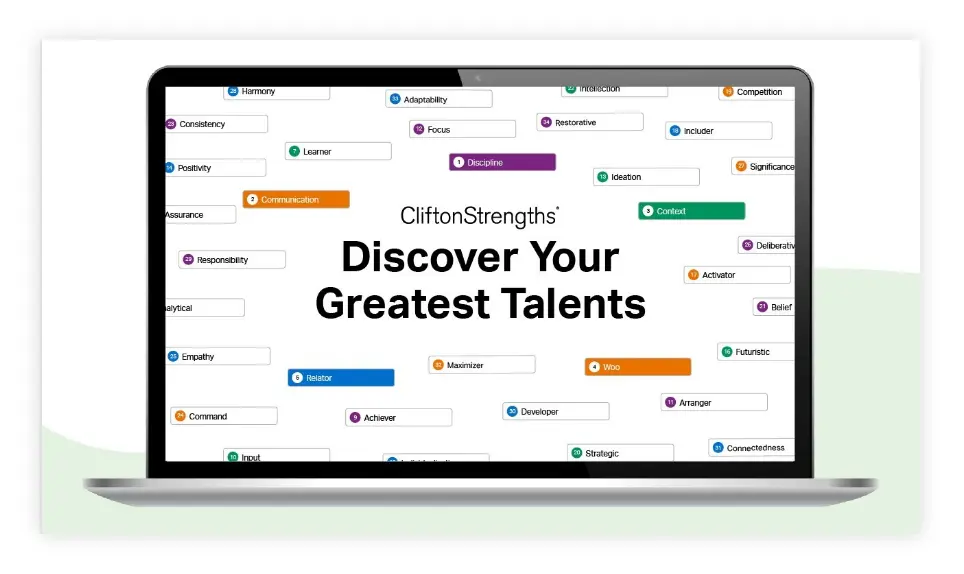

Join 31,346,012 People Using Their CliftonStrengths to Thrive at Work and Everywhere Else
You Are Unique. You Are Powerful. Be Confident With Who You Are.
Understanding your strengths unlocks your potential and leads you to greater performance.

Competition®
"It has helped me get crystal clear about who I am."

Includer®
"I appreciate people feeling like they're seen, valued and heard. That's really powerful."

Input®
"I can be BOLD in how I am wired."
-
1Step 1
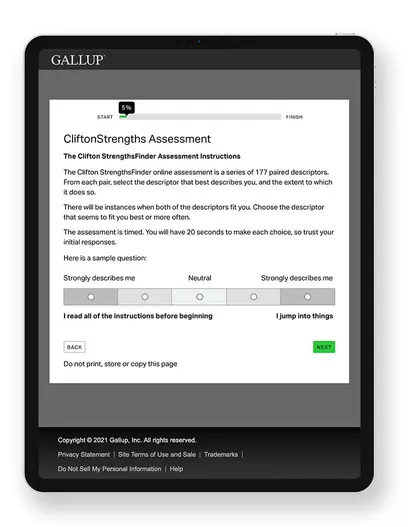
Take the CliftonStrengths Assessment
During this hour-long assessment, you'll see paired statements and choose which ones best describe you.
-
2Step 2
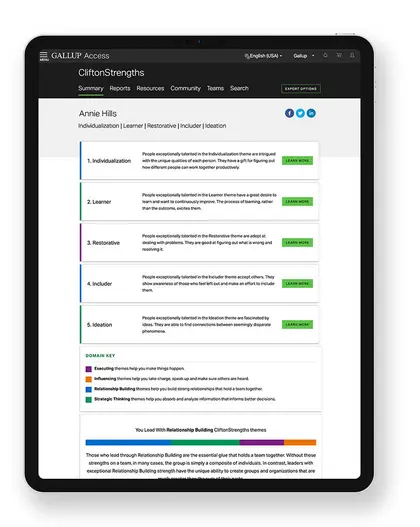
Get Your Personalized Results
Your customized CliftonStrengths reports and guides will give you an "aha" moment as you experience new ways to understand what makes you so unique.
-
3Step 3
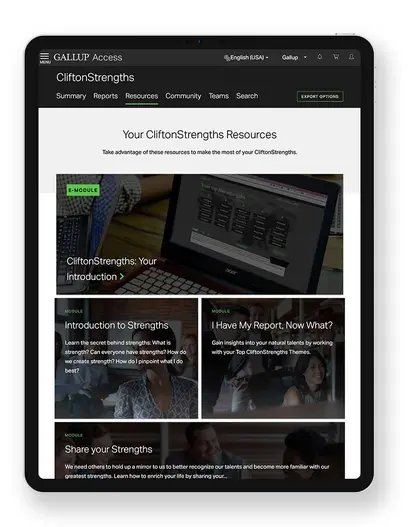
Apply Your Strengths Throughout Your Life
Now it's time to aim your CliftonStrengths at anything that comes your way. Use our resources and tools to better aim your strengths at success.
Find the Report That's Right for You
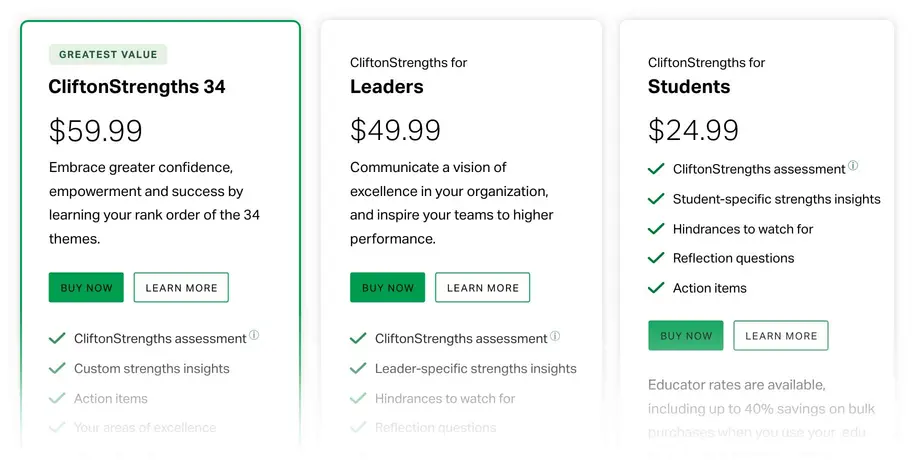
I'm interested in CliftonStrengths for:

Myself
Learn how to use your strengths to succeed at work and live your best possible life.
Learn More about how to use your strengths to succeed at work.
Teams and Managers
Discover how to create and sustain exceptional team performance.
Learn More about how to create and sustain exceptional team performance.
My Organization
Embed a strengths-based culture today so you can win for years to come.
Learn More about a strengths-based culture for your organization.
Educators and Students
Empower your students and faculty to learn, grow and succeed in and out of school.
Learn More about how to Empower your students and faculty to learn, grow, and succeed in and out of school.
Are you a student? Unlock your pathway to academic success with our brand new CliftonStrengths for Students Report